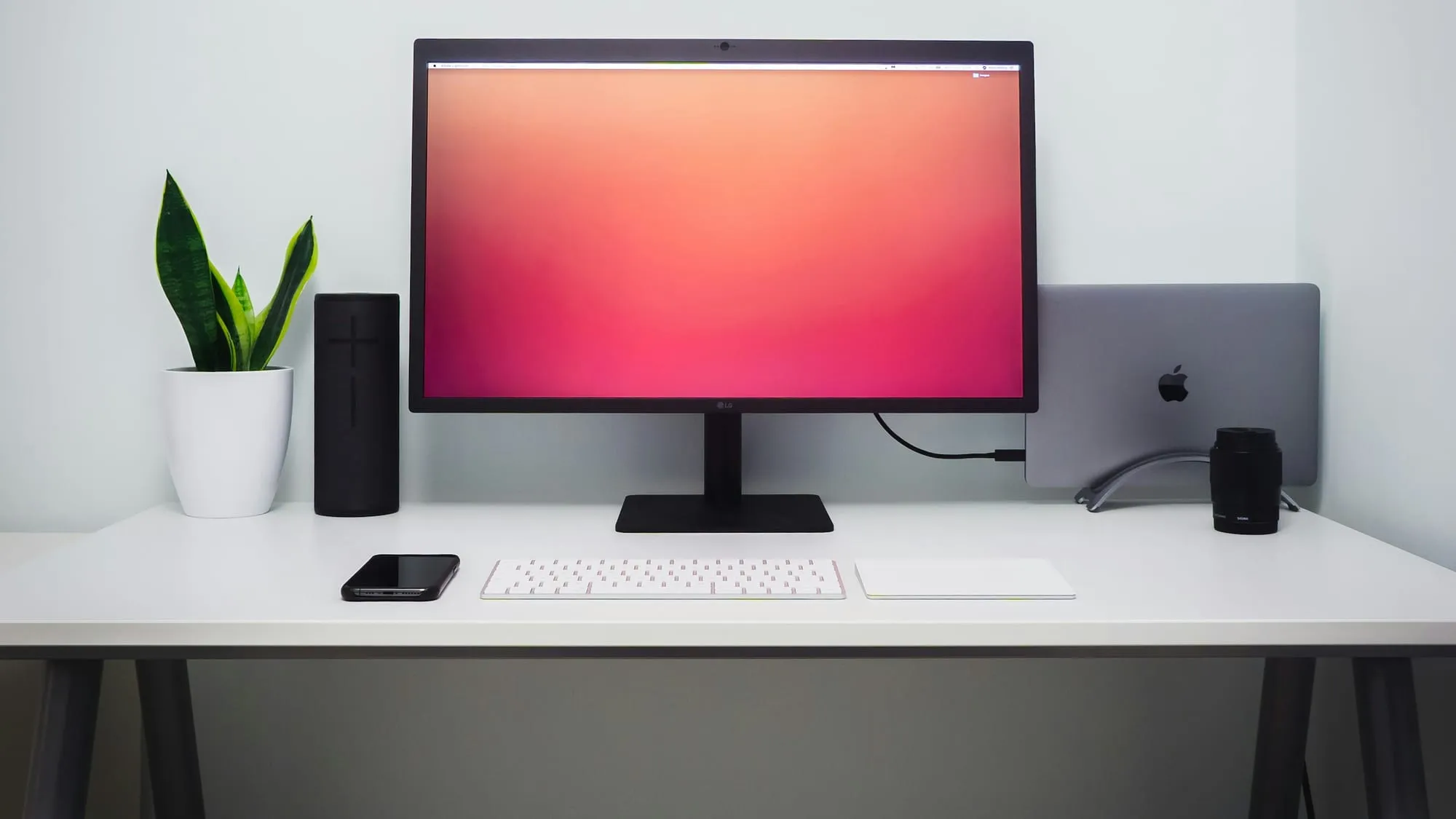
I’ve used a Mac for years, and an M4 Pro MacBook Pro is still my daily driver. This year I added an Arch Linux mini PC, and it’s earning a spot of its own. More and more, I use the two side by side.
This is everything I use, what runs where, and why it’s split that way. No IPs and no secrets, just the shape of it.
The desk
Daily driver: An M4 Pro MacBook Pro. Most of my work happens here, and it’s the only machine that leaves the house, so I keep it boring and reliable.
Second seat: A Beelink SER9 MAX mini PC with a Ryzen AI 7 350 and 64 GB of DDR5, running Arch Linux with Hyprland. Hyprland is a tiling Wayland compositor, and its config is now written in Lua, so my desktop is a script I can read top to bottom. Every window lands where I put it, and SUPER plus a number takes me to any workspace. The theme is Catppuccin Frappé with Mauve accents, from the boot screen to the terminal, on every machine. It’s Catppuccin’s softest dark flavor, easier on the eyes than Mocha.
Keyboard: A NuPhy Air75 V2. It runs QMK, so the firmware is open source. When I wanted to know exactly what each Fn shortcut did, I read NuPhy’s keymap source instead of the manual. On Linux I remap it with VIA in Chromium, after adding one udev rule.
The Pi
A Raspberry Pi 5 with 8 GB of RAM and a 2 TB NVMe drive runs about 40 Docker Compose stacks: photo backup, a Git server, a link saver, dashboards and side projects.
It also handles DNS for the house. Pi-hole blocks ads and trackers for every device on the network, so I don’t need a blocker in each browser. Behind it, Unbound resolves most queries itself, with Cloudflare only as a fallback, so no single provider sees every lookup. I wrote up the Pi-hole and Unbound part on Medium.
Nginx Proxy Manager routes requests to the right container.
The Pi upgrades itself every Sunday at 3 AM from a cron job and backs up its config every night. Debian stable is calm enough to trust with that.
The edge
Nothing at home accepts a connection from the internet. The router runs OpenWrt with zero ports forwarded.
Public sites go out through a Cloudflare Tunnel. The Pi opens an outbound connection to Cloudflare, and visitors only ever reach Cloudflare’s edge.
Public traffic passes three layers on the way in:
- Cloudflare takes the connection at its edge and sends it down the tunnel.
- CrowdSec runs inside the reverse proxy. It sees each visitor’s real IP, catches probing and scanning, and bans the address before the request reaches an app.
- UFW on the Pi denies incoming traffic by default and only accepts the home network, Tailscale and Docker.
Private access goes through Tailscale. The laptop, mini PC and Pi share one WireGuard mesh, and the Pi routes the home network to the laptop when I’m away. A tag keeps the Pi from starting connections to my personal machines. I go into more detail in My Tailscale setup.
What’s on the path
Ghostty is the terminal, with JetBrains Mono Nerd Font. Inside it, every machine gets the same tools, almost all installed by mise:
- Shell: zsh, with sheldon for plugins, Starship for the prompt, zoxide for jumping between directories, atuin for history and fzf for fuzzy finding
- Better basics: eza, bat, fd, ripgrep, procs, duf and dust in place of ls, cat, find, grep, ps, df and du
- Editor and Git: Neovim with LazyVim, lazygit, delta for diffs, and gh
- Everything else: tmux, superfile for browsing files, btop, jq, tealdeer for quick command examples, lazydocker, fastfetch and Claude Code
The dotfiles live in two repos. On macOS, GNU Stow symlinks each folder into my home directory. On Linux, chezmoi pulls the shared files from the Mac repo and applies Linux-only changes on top, such as Super+K and Super+T in Ghostty so the Mac shortcuts work the same way. The shared files are written to work everywhere: the prompt uses Nerd Font icons, so the same Starship config renders on all three, with each machine name in Mauve, the accent from the desktop. The colours live in one shared place too, so switching the whole setup from Mocha to Frappé took one change per tool, not one per machine. Even fastfetch runs one config on every machine; each one supplies only its own logo. The Mac stays the source of truth. Both repos are public: macOS dotfiles, Linux dotfiles and, for the Hyprland desktop, Arch desktop dotfiles.
Anything specific to one machine goes in an untracked .zshrc.local. My Git identity lives in ~/.gitconfig.local, so the shared config never carries it.
Maintenance
The Pi upgrades on a schedule. The Arch mini PC doesn’t. Arch sometimes needs a person to read the news before an upgrade, merge a .pacnew file or reboot into a new kernel. So once a week I run one script by hand. It shows the Arch news, upgrades everything, clears orphaned packages, offers to merge config changes, updates my mise tools and tells me when to reboot.
What I optimized for
- Nothing exposed. No inbound ports. Public traffic leaves through a tunnel, and private traffic rides WireGuard.
- One terminal everywhere. The same shell, prompt and editor on macOS, Arch and Debian.
- Control where it matters. Open firmware on the keyboard, a desktop configured in code, and boring defaults on the machines I can’t watch.
Linux has come a long way. Audio, Wayland, display scaling and brand-new hardware just work now. The Mac is still where most of my work happens, but the Linux machine has earned a permanent spot on the desk, and I use both.